10 Essential Apps for Saudi Arabia
Short answer
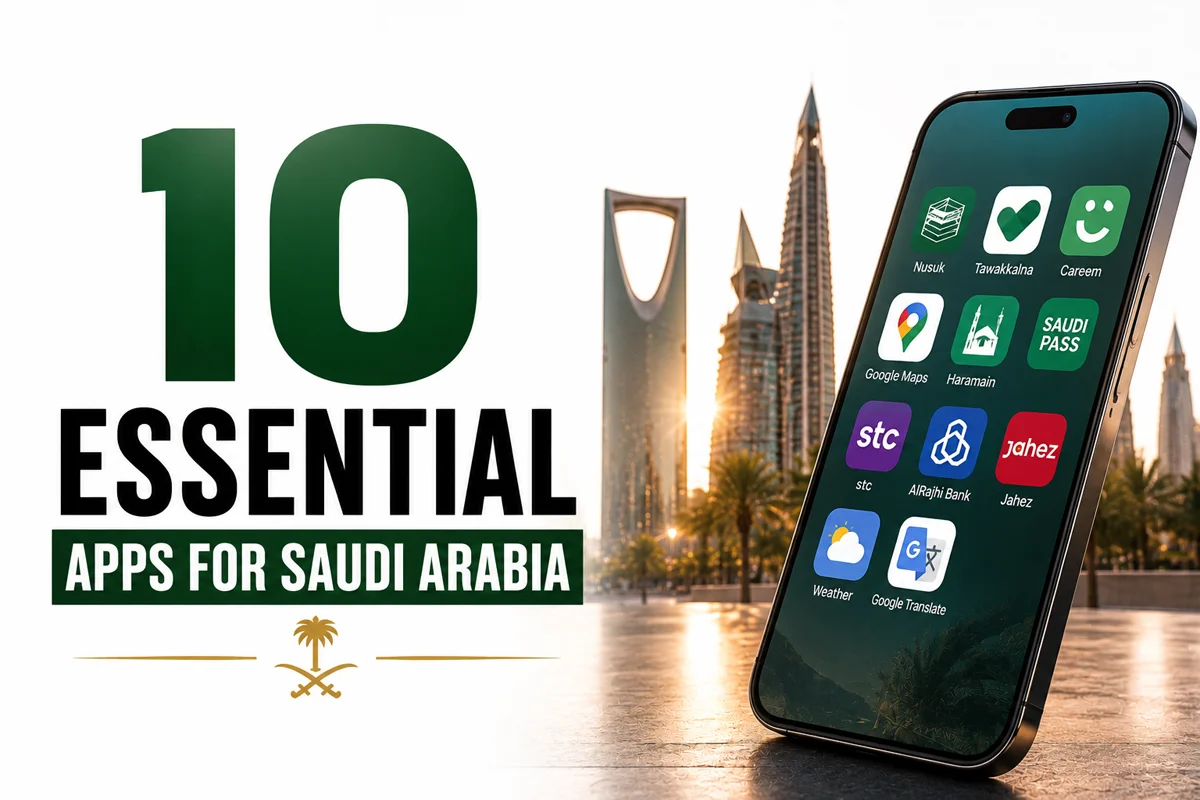
The essential Saudi apps are Nusuk (Umrah/Rawdah permits), Tawakkalna and Absher (government services), Careem and Uber (rides), the Haramain train app and Darb (Riyadh Metro) for transport, Google/Apple Maps with offline maps, Jahez or HungerStation (food delivery), mada Pay/STC Pay/Apple Pay (payments), and a prayer-times app. Install and log in to Nusuk before you fly, set up a data SIM or eSIM, and download offline maps so everything works from arrival.
Key takeaways
- ✓Nusuk is the must-have — your Umrah permit and free Rawdah appointment.
- ✓Careem/Uber for rides; the Haramain app and Darb (Riyadh Metro) for transport.
- ✓Google/Apple Maps with offline maps for the Ḥaram's huge concourses.
- ✓Jahez/HungerStation for food; mada Pay/STC Pay/Apple Pay for fast payments.
- ✓Set up a data SIM/eSIM and log in to Nusuk before you fly.
Quick facts
- Permits
- Nusuk
- Rides
- Careem · Uber
- Train
- Haramain · Darb
- Food
- Jahez · HungerStation
- Pay
- mada Pay · Apple Pay
- Need first
- Data SIM/eSIM
Saudi Arabia runs on apps, and having the right ones installed before you land makes everything smoother — permits, rides, food, payments and prayer times. Set up a data SIM or eSIM so they all work from arrival, and log in to the important ones in advance. Here are the essentials and what each one is for.
Pilgrimage & government
- Nusuk — the official platform for your Umrah permit and free Rawdah appointment. Essential for every pilgrim; set it up before you fly. See the Nusuk app guide.
- Tawakkalna — the general government-services and digital-ID app, useful especially for residents.
- Absher — government e-services (mainly for residents and some visa functions).
Getting around
- Careem and Uber — ride-hailing across the cities; see the Careem & Uber guide for how they behave near the Ḥaram.
- Haramain (HHR) train booking — book the Haramain high-speed train officially rather than via resellers.
- Darb — Riyadh Metro tickets and route planning; see the Riyadh Metro guide.
- Google Maps / Apple Maps — download offline maps for the Ḥaram's large concourses, where signal and orientation can be tricky.
Food, money & daily life
- Jahez / HungerStation — food delivery, handy after late-night worship when you don't want to walk out.
- mada Pay / STC Pay / Apple Pay — fast contactless payments (see money in Saudi).
- A prayer-times app (or your phone's built-in athan) — for accurate prayer and iqāmah times, which also helps you plan around shop closures.
- A currency converter — handy while you learn the riyal, though most prices are clearly marked.
Set them up before you fly
Install and log in to Nusuk especially before travel, arrange a data plan, and download offline maps and your hotel address in Arabic. Doing this at home on a stable connection saves fiddling with verification codes on arrival. With these apps you can handle permits, rides, food, payments and prayer times without friction.
A note on data
All of this depends on a working data plan, so getting a SIM or eSIM is the first practical step after landing — or before, with an eSIM. Running out of data mid-trip is the most common avoidable hassle, since Nusuk, maps and ride-hailing all need it. For the whole trip flow, see how to plan Umrah yourself.
Frequently asked questions
Planning a Saudi trip?
Pre-book a private car, find a stay, or ask us anything on WhatsApp.
Last updated: 24 July 2026·Sources reviewed by the Wadana Go editorial team.